A field note on why voice feels more natural for AI agents, especially when the task is fuzzy, creative or full of context.
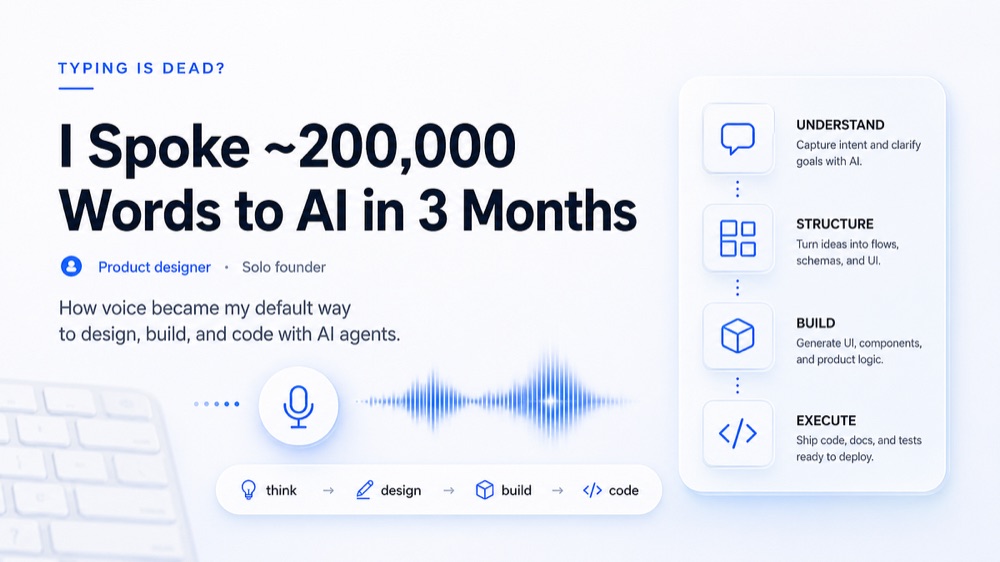
So, I’ve been talking to AI a ton lately, like, around 200,000 words in the last three months! And honestly, I’m starting to think typing out prompts isn’t the best way to go.
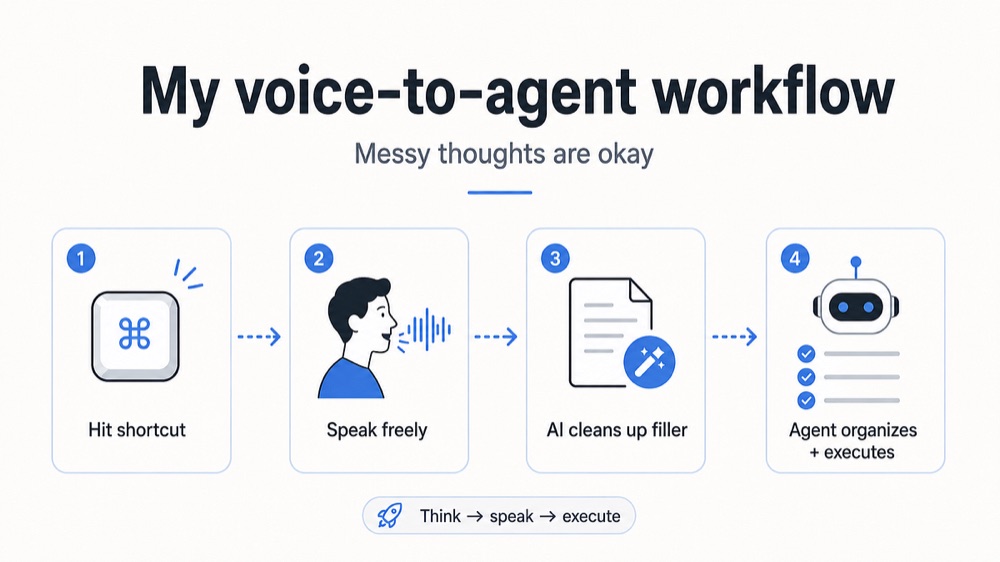
I barely type out long requests anymore. Usually, I use this voice to text tool called Wispr Flow and recently tried tool called wrapscribe which runs locally, I hit a shortcut, and start talking. My thoughts just kind of flow out naturally, and it feels way better for working with AI agents than typing.
Typing with some experience is fast, but talking is even faster. Even though I’m a decent typist, I can tell there’s a big difference between how quickly I can type out an idea and how fast I can actually think through an idea by saying it out loud. When I type, I tend to shorten things and cut out context because writing everything out is extra work. But with voice, that friction is gone. My goal is basically to explain what I want, why I want it, what I’m not sure about, what I’ve already tried, and what the final feeling should be all at once. And let me tell you, when you’re working with AI agents, all that extra context really matters.
And get this I don’t even need to organize my thoughts before I start talking to the AI! This is probably my favorite part. Sometimes I’m not even totally sure what I want. Instead of spending ages crafting the perfect prompt, I just start talking. I might say something like, “I want something similar to this, but not exactly this. This version seems a bit rough. Maybe move this part over here. Actually, never mind, keep it. Anyway, the main point is…” and I just keep going, dumping all my thoughts. They don’t even need to be in order! The AI tool helps sort out the extra stuff and the agent figures out what I actually need. So instead of the old way “think, type, edit, send” my new workflow is more like “think, just speak, and the AI figures it out.” It just feels way more natural.
Voice removes the friction between thought and prompt.
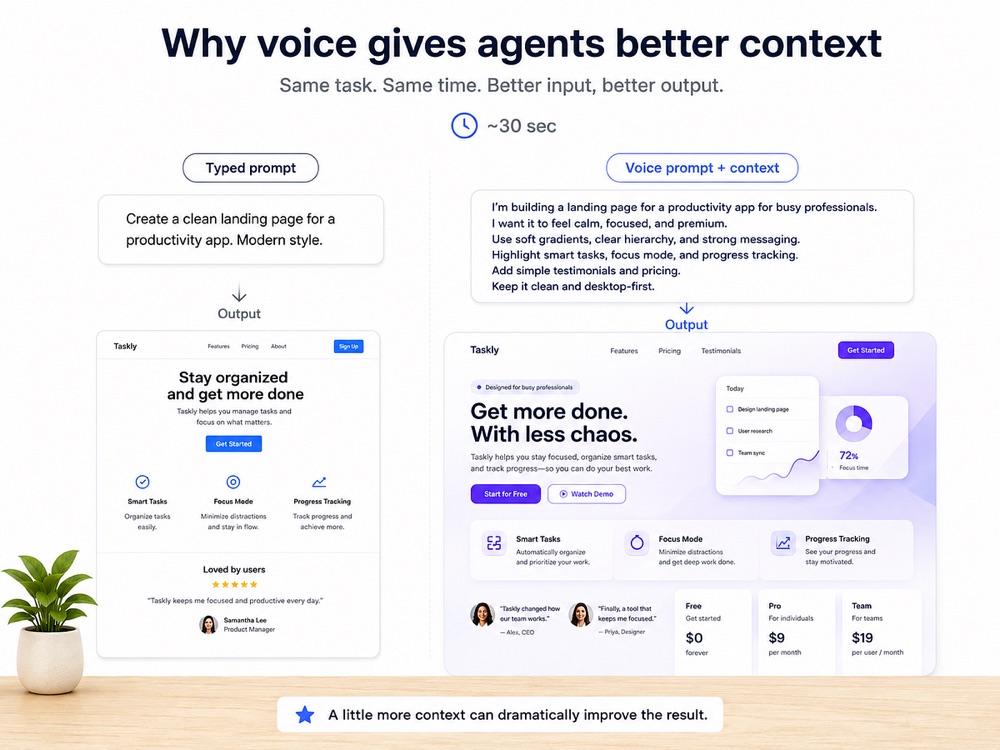
This is especially true when I’m doing creative stuff. For simple commands, talking or typing doesn’t make much of a difference. But for more creative tasks like design ideas, product concepts, writing, UI responses, or even trying to evoke certain feelings, voice really shines. These kinds of prompts usually need a lot of context, but you don’t want to overwhelm the AI. Voice lets me give the agent all that background information without having to stress about writing a perfectly structured prompt. And because the input is better, the output is better too.
It’s also pretty cool because I spend way less time trying to figure out how to write a “good AI prompt.” I just explain what I need like I would to another person: what I’m trying to achieve, what’s wrong, what the limitations are, what I’ve already considered, and what I’m still figuring out. This naturally leads to a much more detailed and helpful prompt, and the AI helps clean it up and structure it. The result? Faster input, better context, more precise prompts, and ultimately, more effective results.
The interface changes when agents need more context.
Honestly, I think voice might be the most natural way to interact with AI agents. We got used to the idea that talking to AI meant typing into a box, especially since AI mostly just responded to prompts back then. But agents are different. We’re giving them whole tasks now, and that requires a lot more explanation. As agents get smarter, how quickly we can communicate our ideas is going to become a bottleneck. Typing is one solution, but I’m increasingly convinced that voice is the better one, especially for tasks that are a bit fuzzy, creative, or need a lot of background. The biggest change for me wasn’t just saving a few seconds; it was being able to share more of my actual thought process with the AI. And when the agent gets that clearer picture, it does a much better job.
I don’t think keyboards are disappearing tomorrow. But when I’m working with agents, voice already feels like the more natural interface.
If you use AI heavily, try doing one full creative or agentic task without typing the prompt. Just explain everything out loud and see what changes.
I’m experimenting a lot with AI, product design, and building products as a solo founder. I’ll share more of what actually works here.